Keep the websites you love
Capture the page you are viewing with automatic scrolling. Choose a folder and keep the reference in your own library.
YOUR WEBSITE REFERENCE LIBRARY
Your personal website reference library, right in Chrome. Save, organize, compare and export the designs that inspire you.
Free · No account requiredChrome Web Store listing in preparationEnglish / Japanese · Light / Dark themes
Watch the demo ↓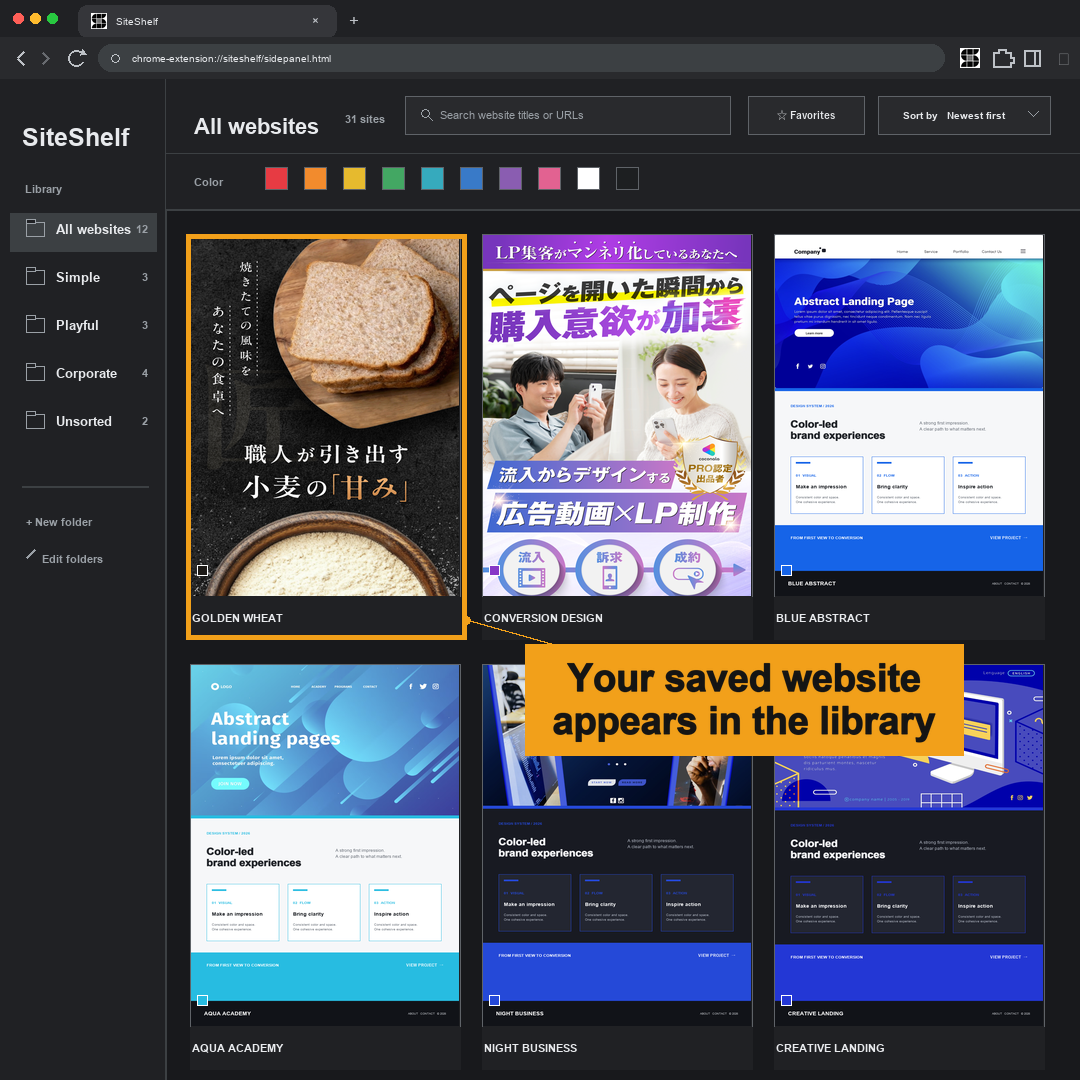
Capture the page you are viewing with automatic scrolling. Choose a folder and keep the reference in your own library.
Browse portrait previews. Use folders, dominant colors, favorites and search to find your saved inspiration.
View long pages as tall columns arranged side by side. Adjust the display size, then export as PNG, JPEG or PDF.
SEE IT IN ACTION
Open SiteShelf from Chrome’s toolbar.
Select Save website, then choose or create a folder.
Open View saved websites to review your saved references.
Saved images, URLs, titles and folders stay in Chrome’s local extension storage. SiteShelf does not upload them to developer servers. Export a backup when moving to another computer.
Some animated or interactive designs cannot be captured exactly. Capture is limited to 50 screenfuls. Chrome internal and other restricted pages cannot be saved. Reference images in the demo are sample content.